Guide
Technical SEO Audit Tool Mistakes to Avoid
Updated July 2026
Common mistakes when buying a technical SEO audit tool
Which technical SEO audit tool mistake fits your workflow?
The safest choice depends on where your team gets stuck. If you struggle to discover sitewide issues, a crawl-first tool may fit better. If you can find issues but struggle to explain priorities, a guided or decision-focused workflow is usually the better test. If you need audit work inside a broader SEO stack, a suite-based tool may be enough, as long as the audit output still leads to action.
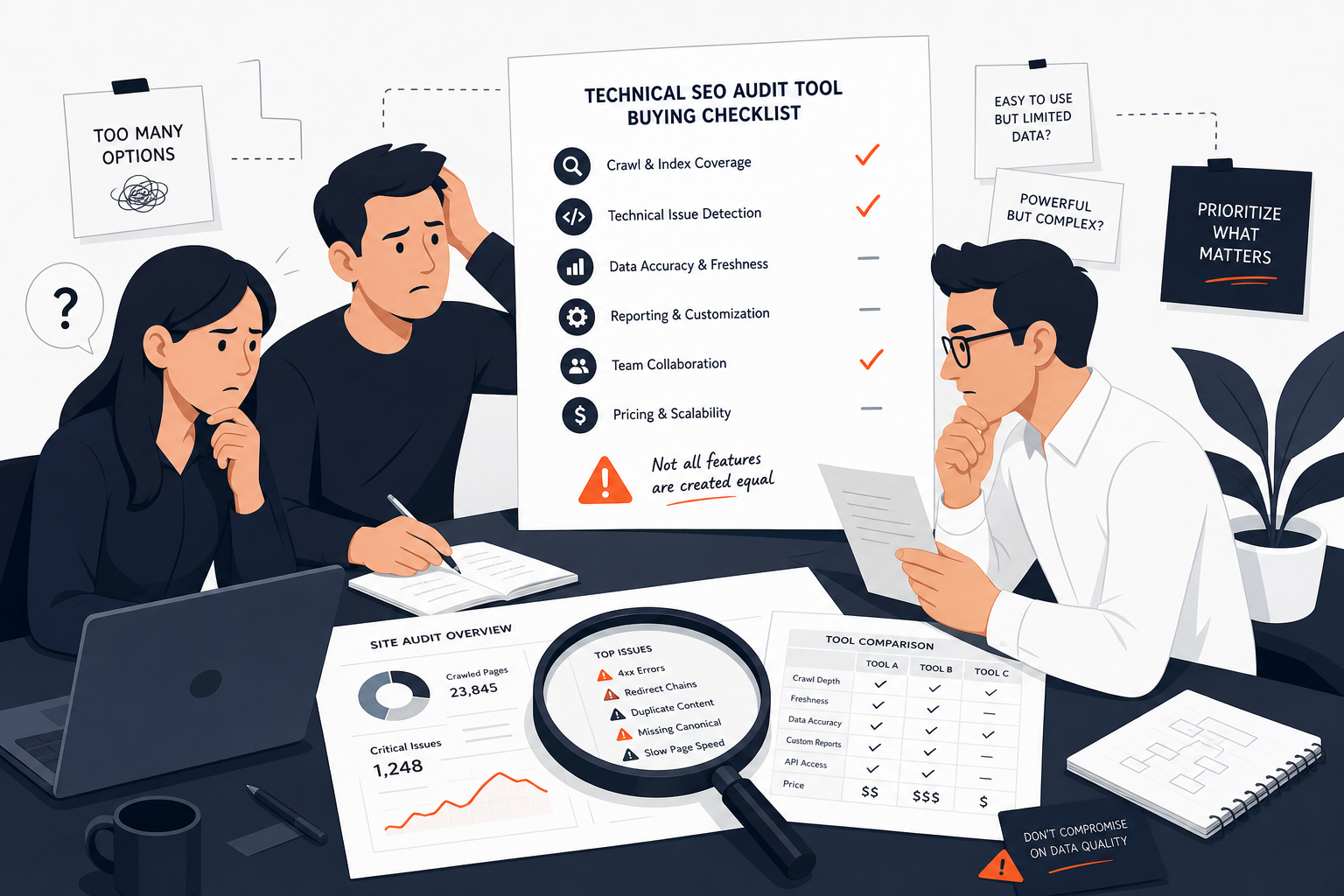 Technical SEO Audit Tool Mistakes
The biggest change in the recommendation is not the number of checks. It is whether the tool gives your team a clean path from findings to fixes.
How to prioritize technical issues
Detection and prioritization are different jobs. A tool can surface many problems, but that does not mean each warning deserves equal attention.
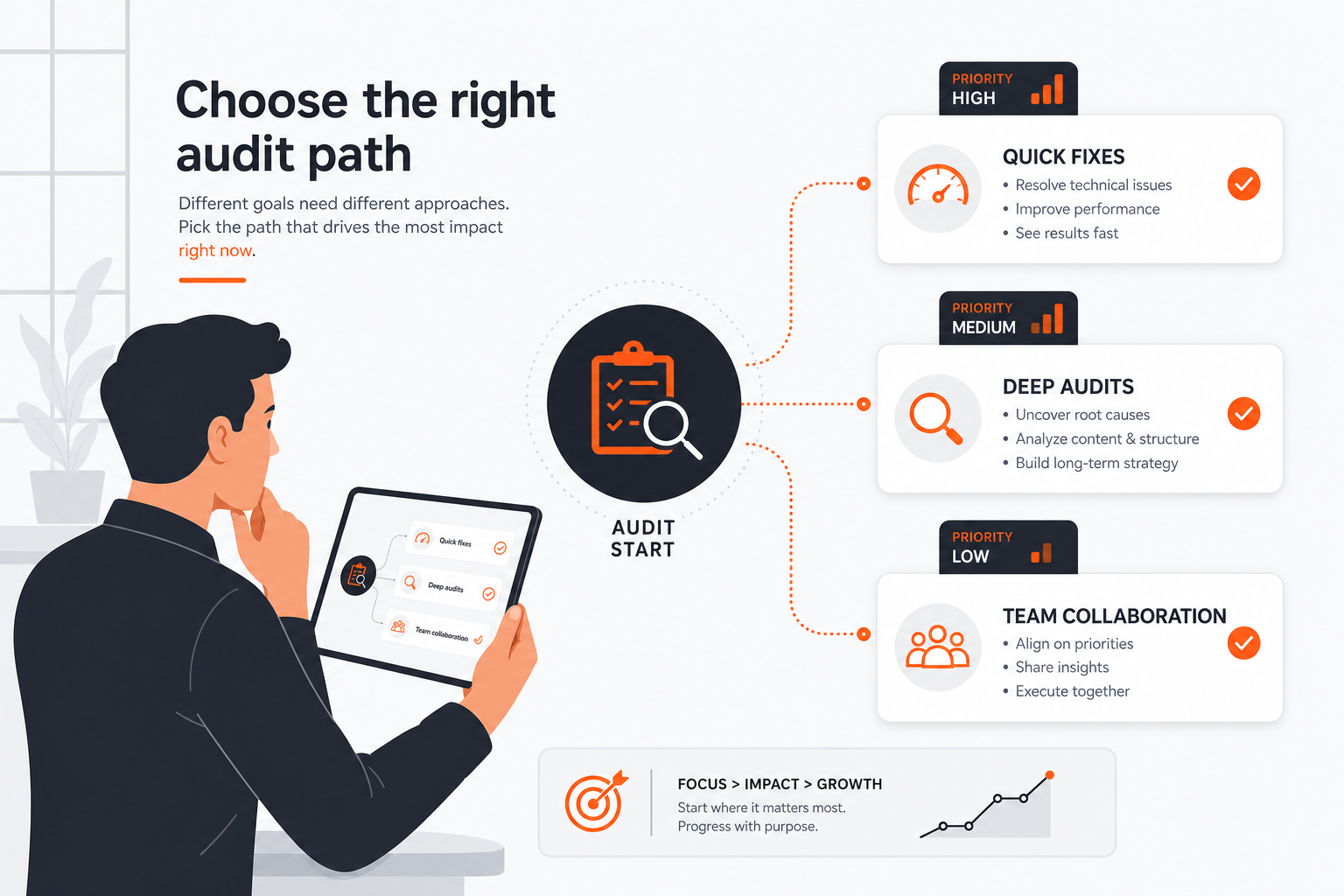 Choose by Workflow
Start by grouping issues into patterns instead of looking at one URL at a time. For example, repeated redirect problems, crawl traps, duplicate page patterns, or structured data errors usually matter more as a shared issue than as isolated pages.
A practical prioritization order is:
| Priority factor | What to ask | Why it matters |
|---|---|---|
| Severity | Does this block crawling, indexing, or rendering? | Problems that affect discovery or indexation usually deserve attention first. |
| Impact | How many pages or templates does it affect? | A pattern across many URLs is usually more valuable to fix than a single noisy page. |
| Effort | Can the fix be made once at template or rule level? | A one-time fix can save a lot of manual work. |
| Ownership | Who can actually make the change? | If no one owns the fix, the issue will sit in a report. |
| Implementation clarity | Does the tool explain what to do next? | Clear guidance reduces review time and false starts. |
This is where many buyers make a technical SEO audit tool mistakes decision. They choose something that surfaces every warning, then assume the team will naturally know how to rank the work. In practice, the bottleneck is often not visibility. It is decision quality.
A better test is whether the tool helps you separate active issues from background noise. RankQuest is built around that decision layer, because the value is in knowing what to focus on next and why it matters, not in staring at a dashboard.
When a site has complex crawl behavior, custom templates, or unclear ownership, a deeper manual investigation may still be needed. That is especially true when one warning could point to several possible causes. In those cases, the tool should support investigation, not pretend the first report is the final answer.
For a deeper look at what useful output should look like, see What good technical SEO audit output should look like.
Where RankQuest Fits
RankQuest fits buyers who want the audit to end in a decision, not a pile of charts. Its verified product concept is straightforward: it shows exactly what to focus on next in SEO, explains why each issue matters, and provides guidance on how to fix it.
 RankQuest homepage
That makes sense if your team already knows the site has technical issues but needs a clearer way to sort them into action. Instead of asking people to infer importance from a score or scan through raw data, RankQuest is designed to replace dashboards and scores with actionable decisions.
A simple way to think about the fit:
| Buyer need | How RankQuest helps |
|---|---|
| “Tell me what matters now.” | It shows exactly what to focus on next in SEO. |
| “Explain why this issue deserves attention.” | It explains why each issue matters. |
| “Help me move from finding to fixing.” | It provides guidance on how to fix issues. |
| “Avoid URL-by-URL busywork.” | It groups canonical issues by type so fixes can be applied as patterns rather than one URL at a time. |
| “Separate urgent problems from stale noise.” | It highlights technical SEO issues that are currently active. |
This is a strong fit for small teams, founders, and SEO owners who need one prioritized asset they can use in planning and execution. It is also useful when the team wants a repeatable way to decide what gets fixed first across recurring technical problems.
If your current process is “collect the crawl, export the sheet, ask someone to interpret it,” RankQuest changes the workflow by making the next action part of the product output.
When RankQuest Is Not the Right Choice
RankQuest is not the right choice if your main need is raw crawling depth, desktop crawler control, or a broad suite where technical auditing is only one part of the work.
A crawl-first tool may fit better when your team wants hands-on crawling, advanced audit controls, saved crawls, crawl comparison, scheduling, or JavaScript rendering. That kind of workflow suits teams that want to inspect the crawl in more detail and do a lot of their own analysis.
A broader suite may fit better if you want technical auditing tied to other SEO workflows, such as scheduled recrawls, white-label reporting, or site health tracking inside a larger platform. In that case, the audit feature is part of a wider operating system, not the main product.
RankQuest is also not the right choice if your team wants the report to behave like a traditional dashboard. Its verified positioning is decision-led, so it is built around what to do next, why it matters, and how to fix it. If your buyer need is primarily “give me every possible chart,” that is a different job.
For readers comparing fit across team size and workflow style, Technical SEO audit tool for small teams is a useful next read.
Related guides
- Technical SEO Audit Tool: Which Option Fits Your Needs?
- Technical SEO audit tool for small teams
- What good technical SEO audit output should look like
- How to test a technical SEO audit tool during a trial
- How to roll out a technical SEO audit workflow after you choose a tool